


Description
Product Overview
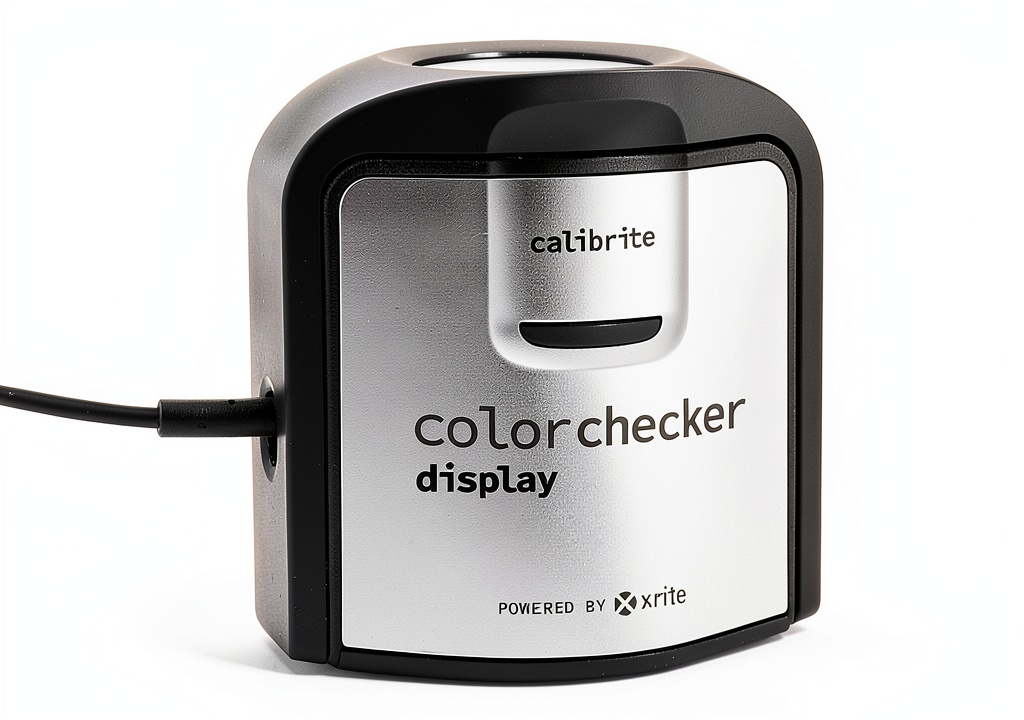
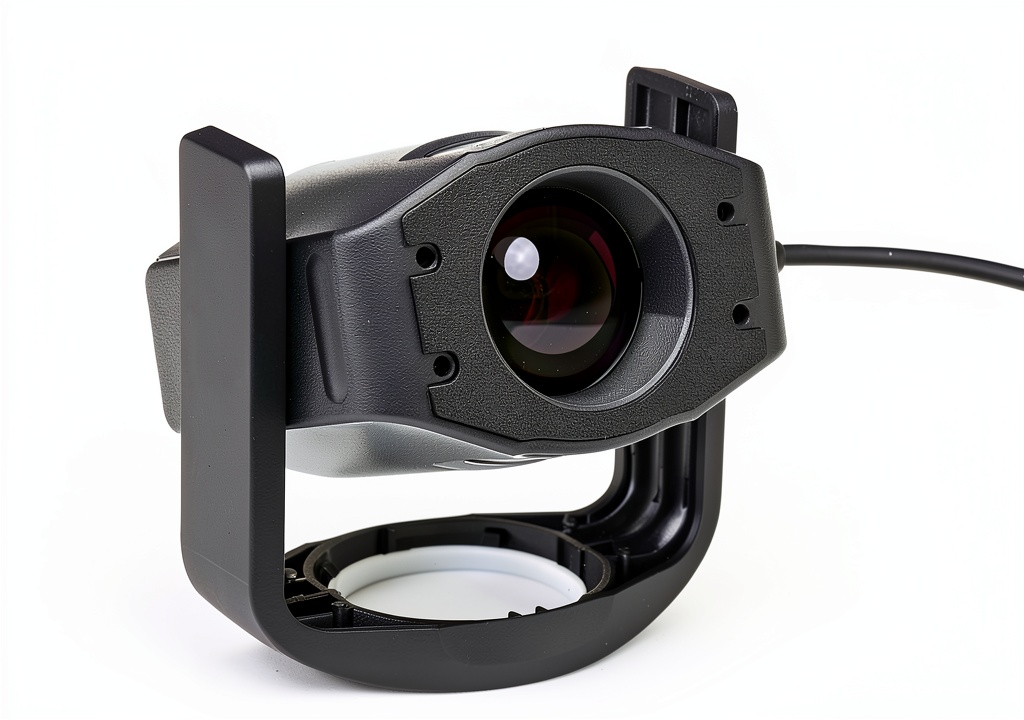
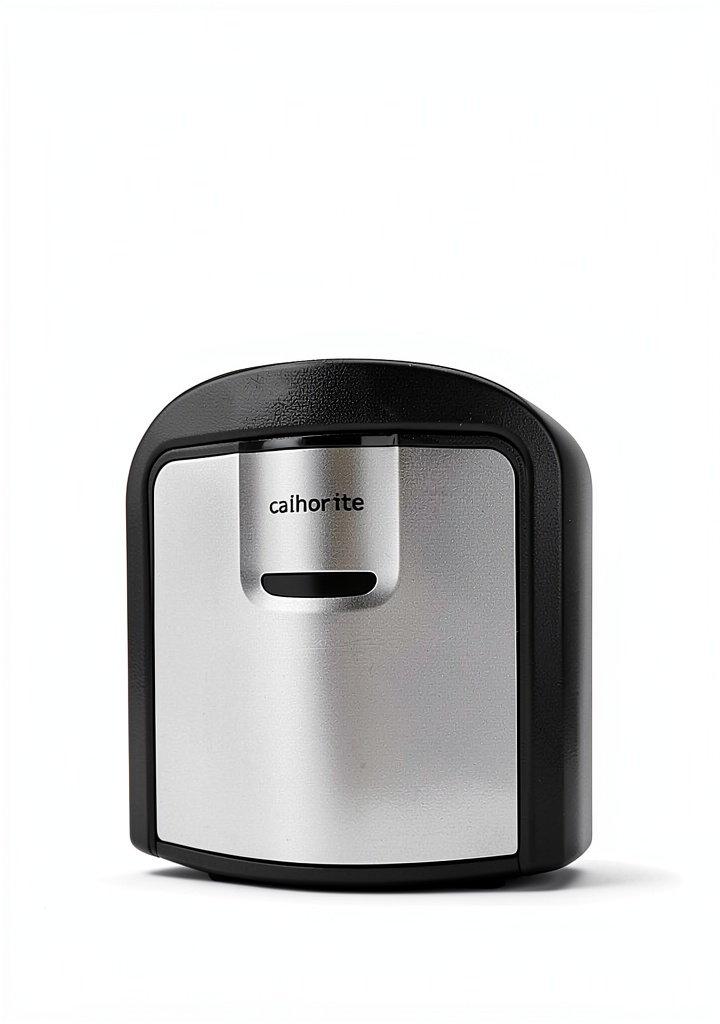
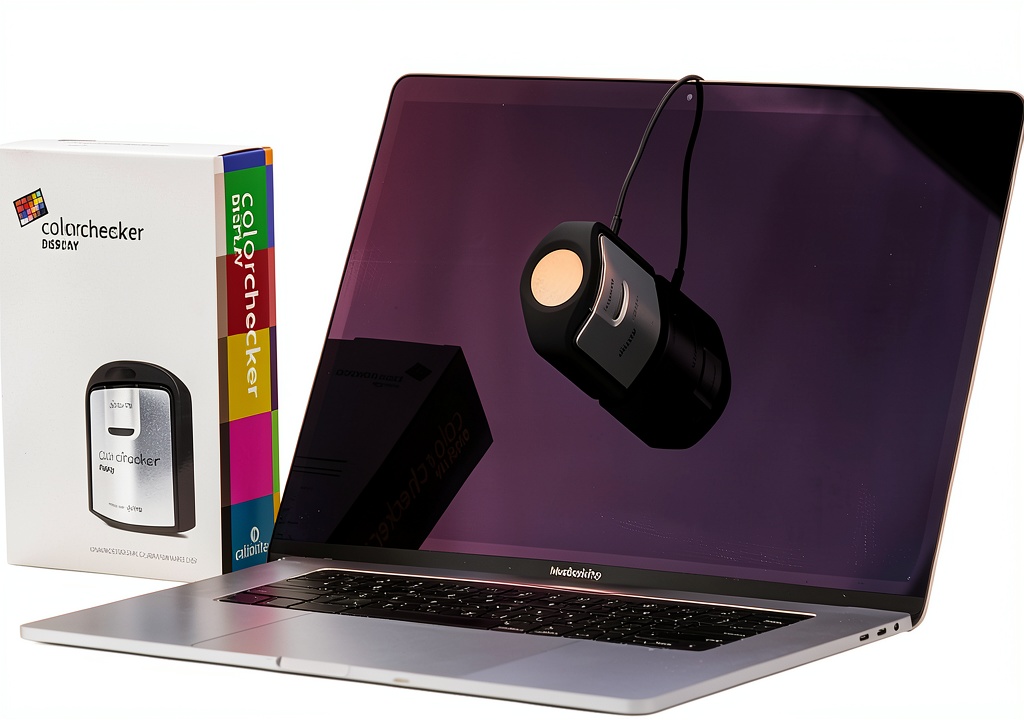
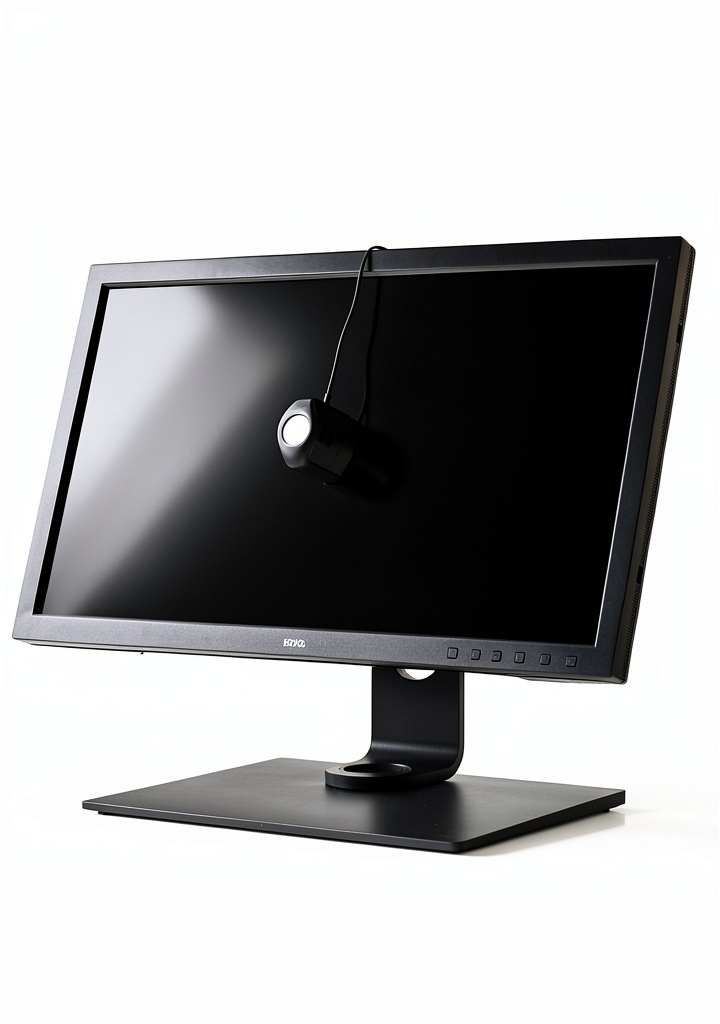
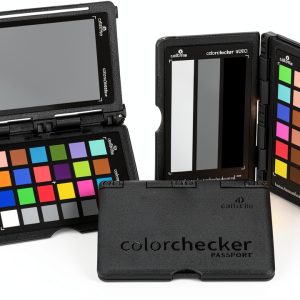
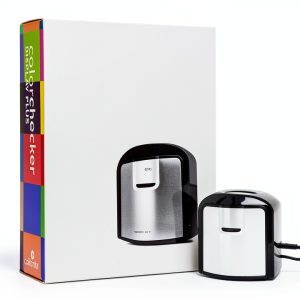
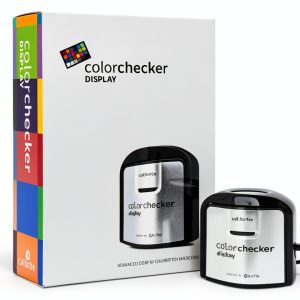
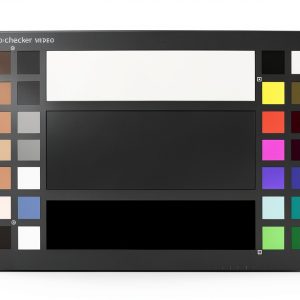
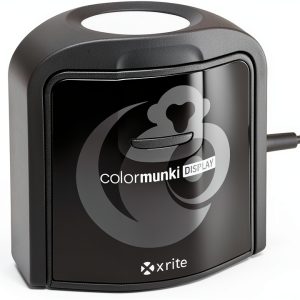
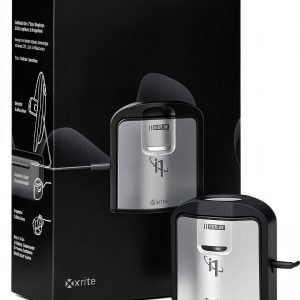
The Calibrite CCDIS Monitor Calibration Chart is a cutting-edge solution for professionals and hobbyists seeking accurate color representation on any display. This portable and easy-to-use chart features a compact and self-contained design, making it perfect for on-site color calibration. With intuitive ccStudio software, you can achieve consistent color matching with ease.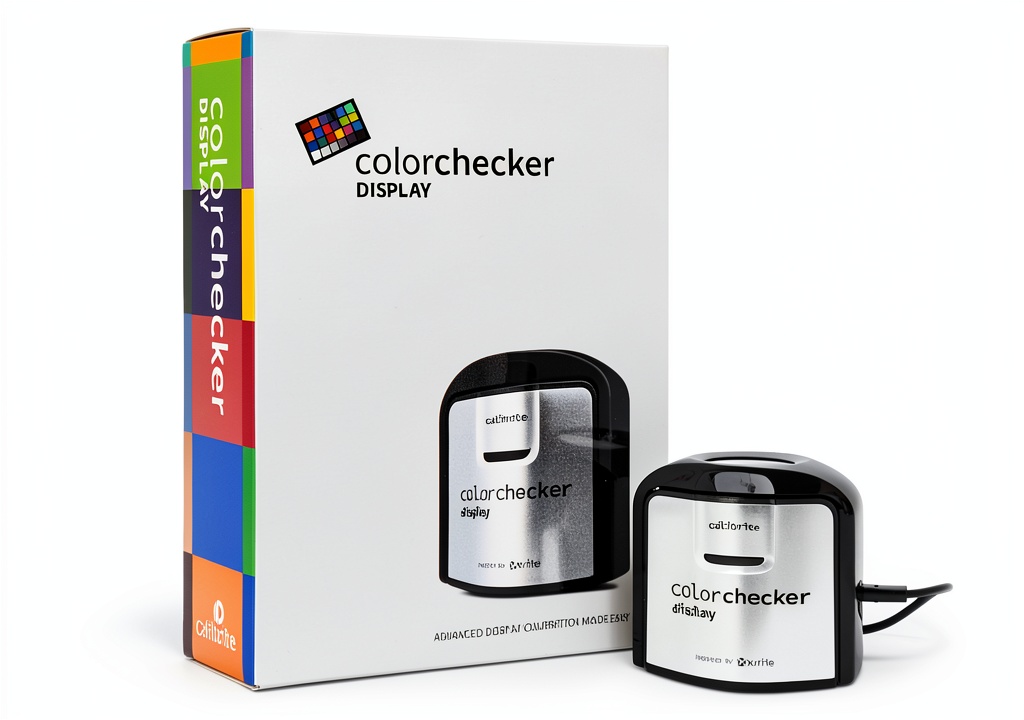
Usage
The Calibrite CCDIS Monitor Calibration Chart is designed for use in a variety of environments, from home offices to professional studios. Its compact size and lightweight design make it easy to transport and set up, ensuring accurate color representation on any display. Whether you’re a photographer, videographer, or graphic designer, this chart is an essential tool for achieving consistent color matching.
Why Choose Us
At Calibrite, we’re committed to providing high-quality products that meet the needs of professionals and hobbyists alike. Our CCDIS Monitor Calibration Chart is designed with accuracy and ease of use in mind, ensuring that you can achieve consistent color matching with confidence. With our intuitive ccStudio software, you can trust that your color representation will be accurate and reliable.
Key Features
- Portable and easy to use with intuitive ccStudio software
- Compact and self-contained design for maximum portability
- Optical design allows for high repeatability on the same display and across different display types
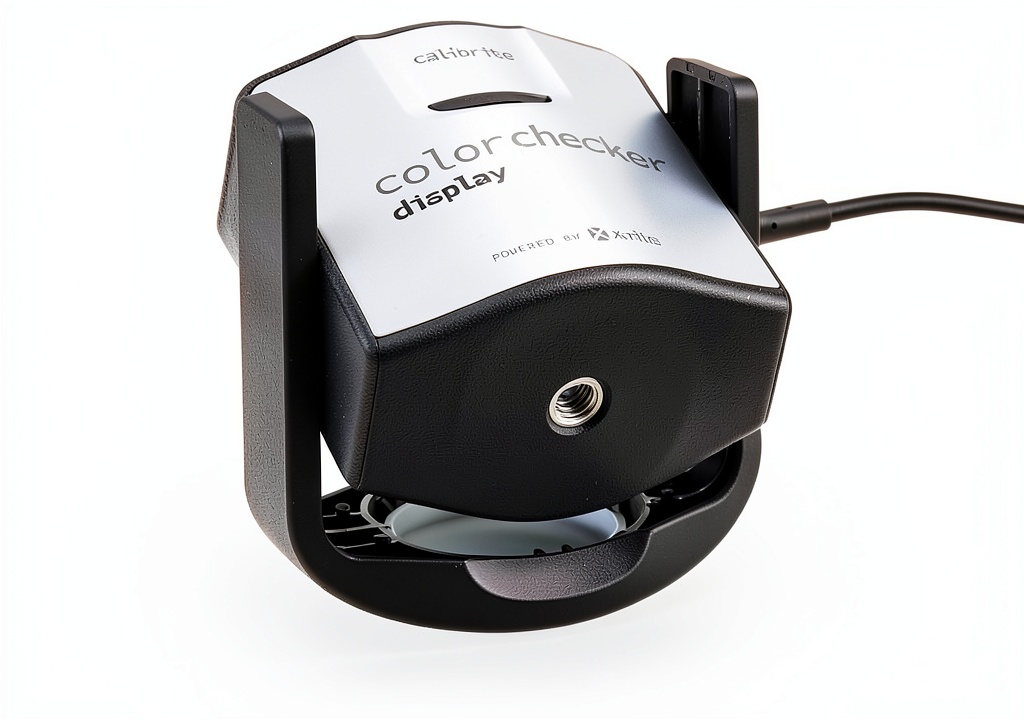
- Rotatable diffuser arm for table top projector profiling and ambient light measurement
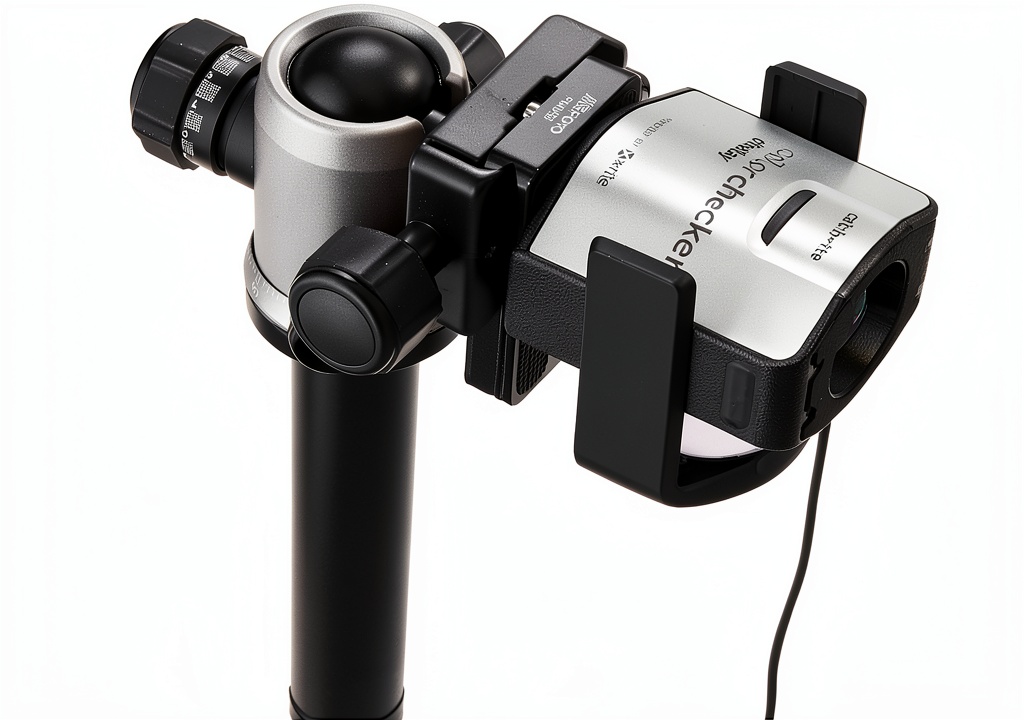
- Conveniently integrated tripod mount for projector profiling in larger venues
FAQ
What is the recommended usage environment for the Calibrite CCDIS Monitor Calibration Chart?
The Calibrite CCDIS Monitor Calibration Chart is designed for use in a variety of environments, from home offices to professional studios. It’s essential to use the chart in a well-lit area with minimal ambient light to ensure accurate color representation.
How do I use the ccStudio software with the Calibrite CCDIS Monitor Calibration Chart?
To use the ccStudio software with the Calibrite CCDIS Monitor Calibration Chart, simply follow the on-screen instructions and connect the chart to your computer via USB. The software will guide you through the calibration process, ensuring accurate color representation on your display.
What is the warranty period for the Calibrite CCDIS Monitor Calibration Chart?
The Calibrite CCDIS Monitor Calibration Chart comes with a 1-year limited warranty. For more information, please refer to our warranty policy on our website.








































































Reviews
There are no reviews yet.